Your day, wrapped
My lab time opens on a story of your day at the lab, one card at a time with its own music: your time today, hour by hour, your PCs and your longest sitting.
Version
v0.1.39Only you see it. It opens from the QR code on your own PC. Feel free to export and share wherever!
At a lab PC, choose See it on my phone and scan its QR code. Your phone stays signed in for 30 days.
Each day you use the lab becomes a story, one card at a time, with its own music.
When you came in, the PCs you used, your longest sitting and the time left this week.
Export the wrap for your story!
Your ID number is on your ID. Without a lock, anyone who has it can sign in and use your hours.
The exit sheet asks you to lock your ID. Choose six digits only you know, or a password.
It's shown once. Write it down or take a photo.
Scan your ID at the kiosk as always, type the code at the PC, then your PIN.
Type your recovery code instead. Lost that too? Ask the lab staff.
Only with your friend's permission. It's their ID and their hours, so always ask first. They can say no.
Your PC locks once your 5 hours for the week are used up.
Ask a classmate who still has hours left if you can use their ID.
Once they say yes, scan their ID and pick a PC, the same way you do with yours.
If their ID is locked, the PC asks for their PIN. Your friend types it in for you.
The time comes out of your friend's hours, not yours, so borrow only what you need.
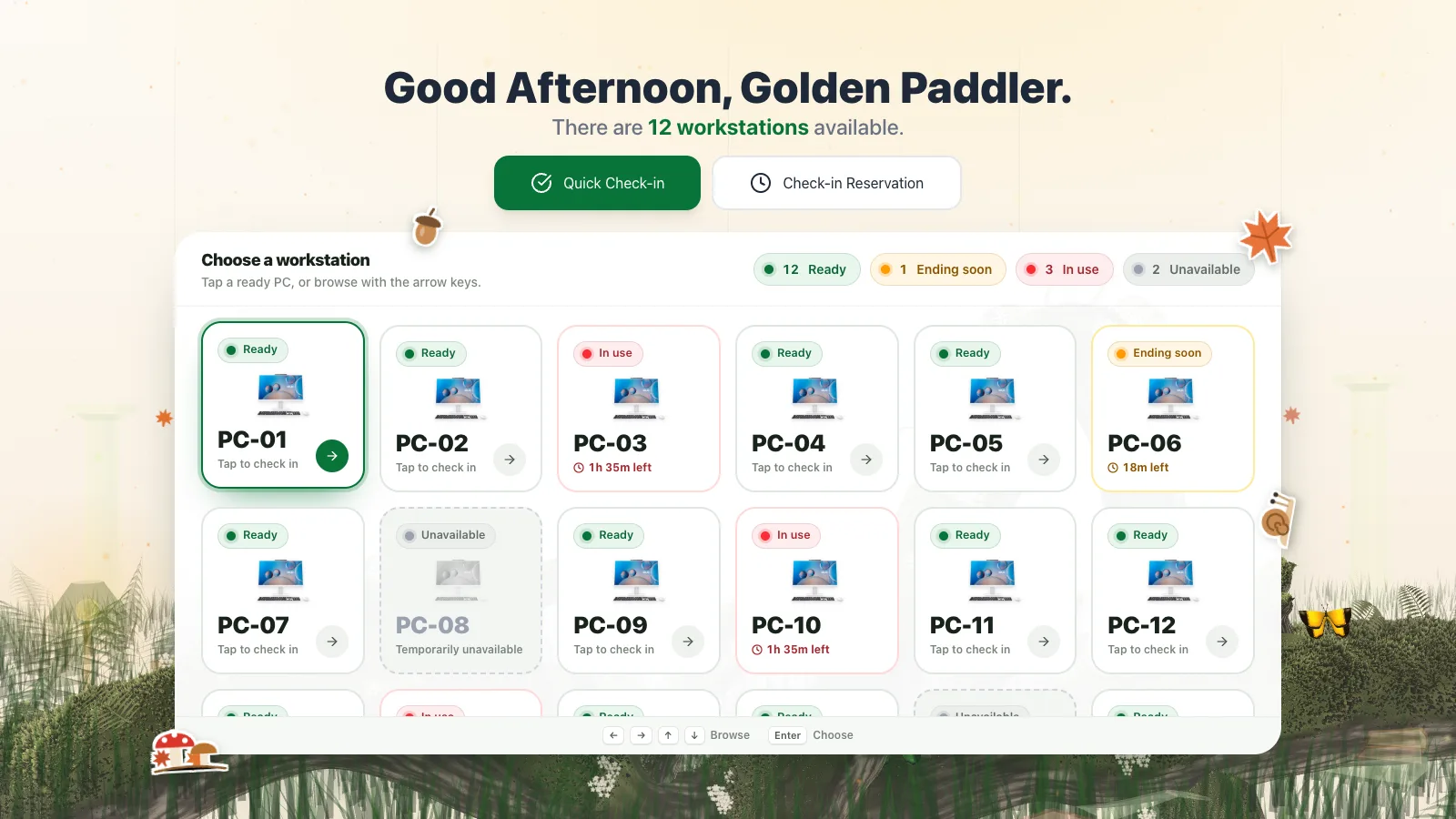
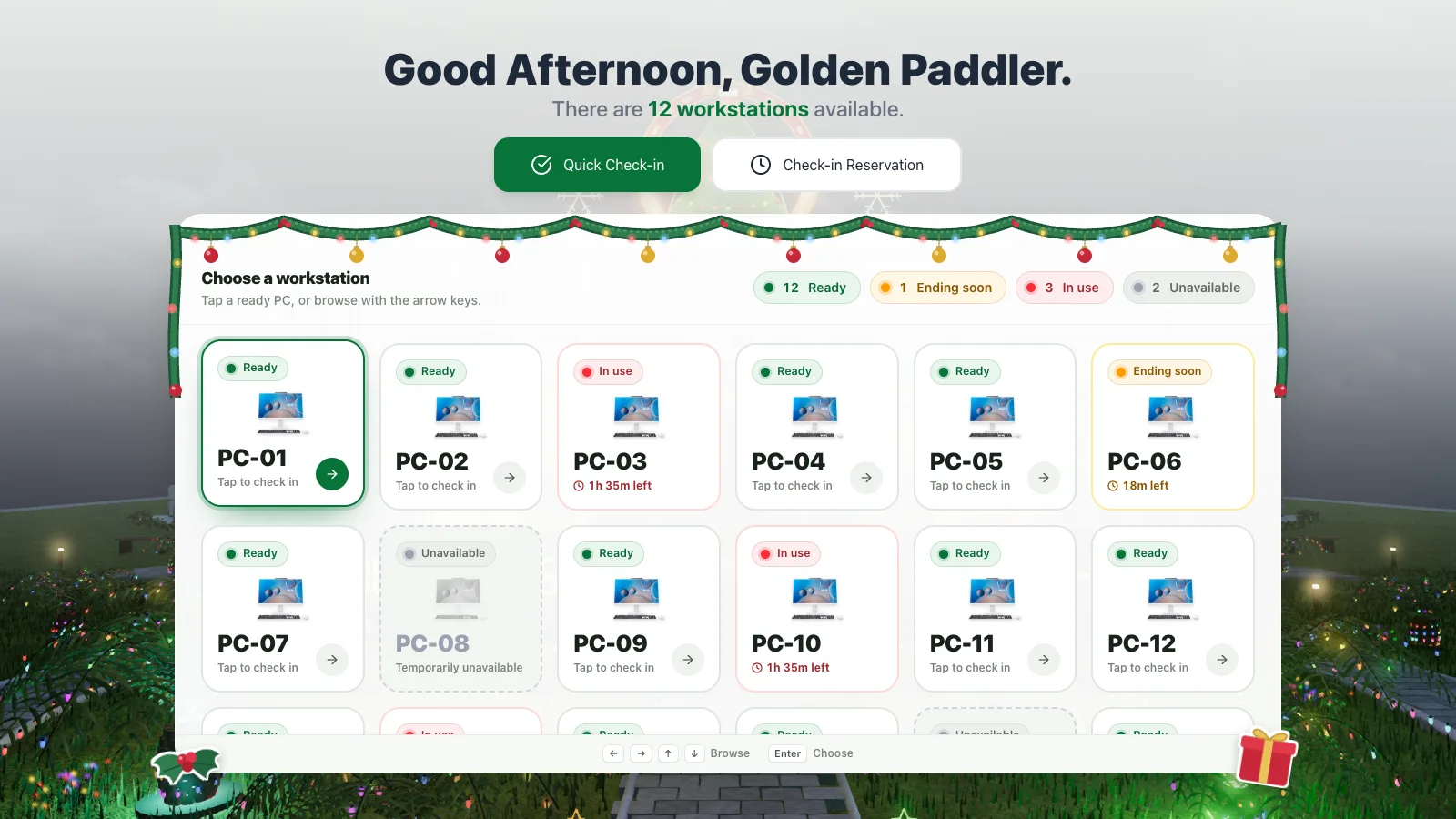
The kiosk by the door shows every PC in the room. Green ones are free, yellow ones are about to be free, and red ones are taken. Tap the one you want.
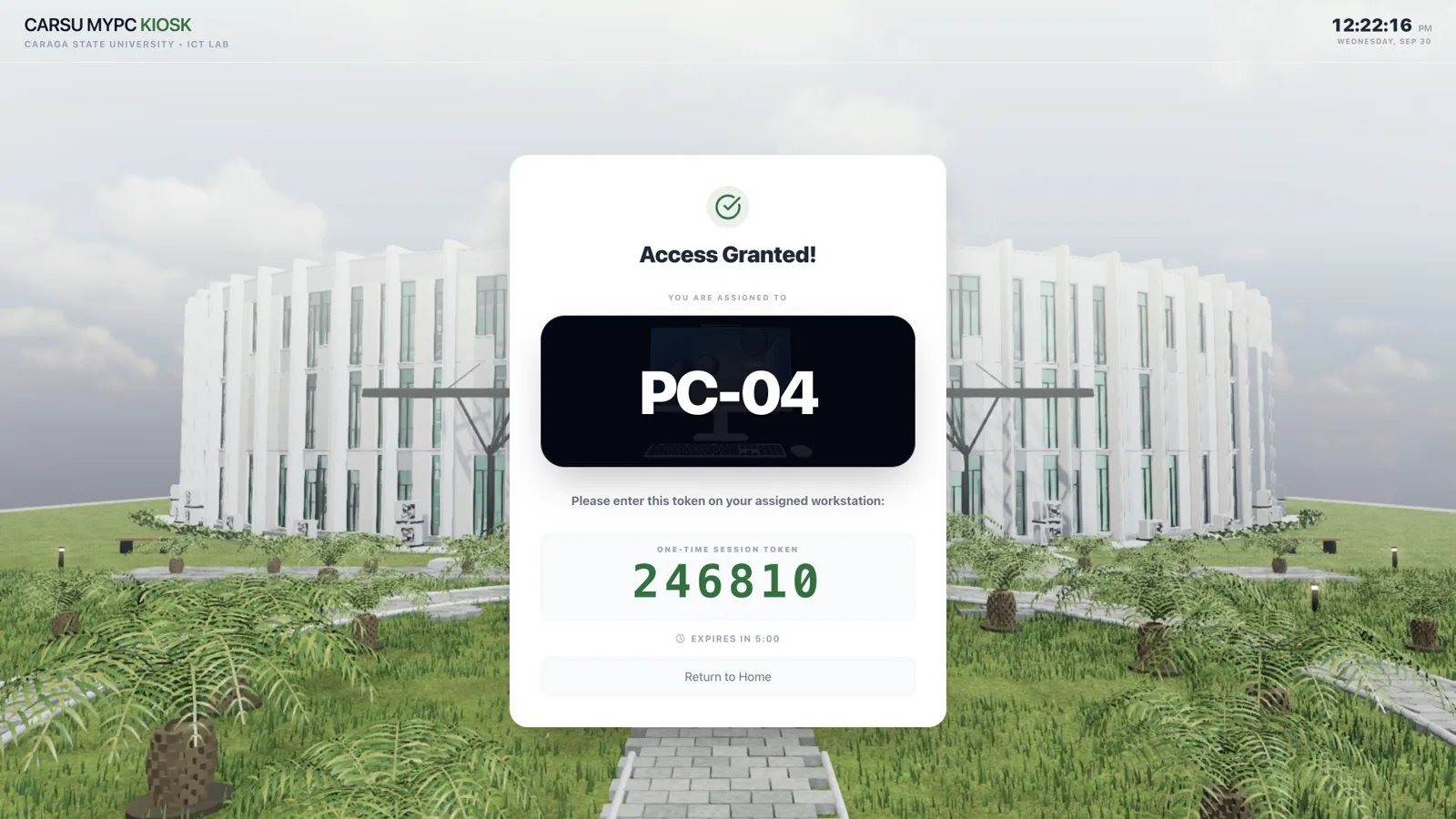
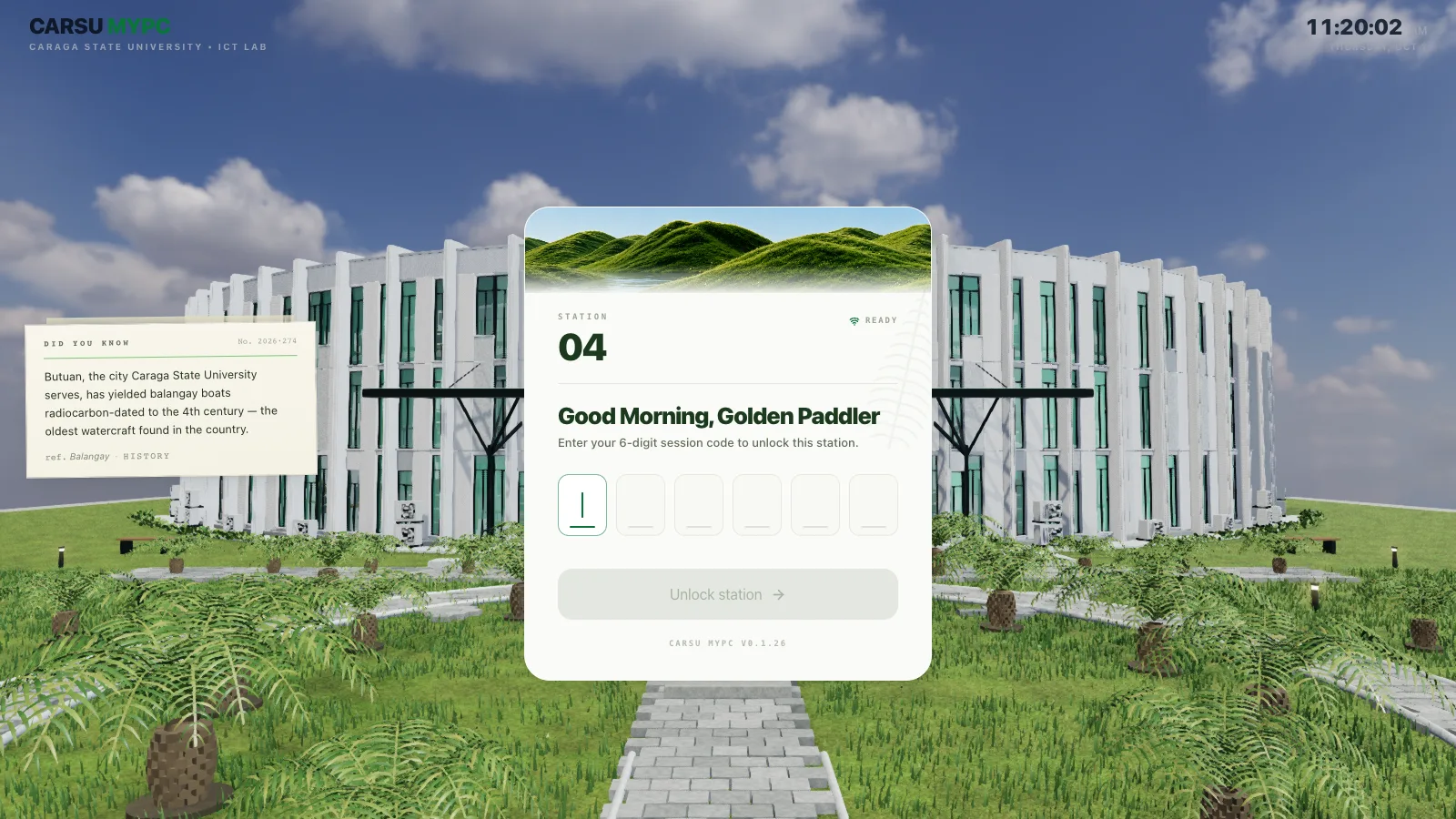
Scan your student ID or type your number, and you'll get a six-digit code. It only works on the PC you picked, and only for the next five minutes.
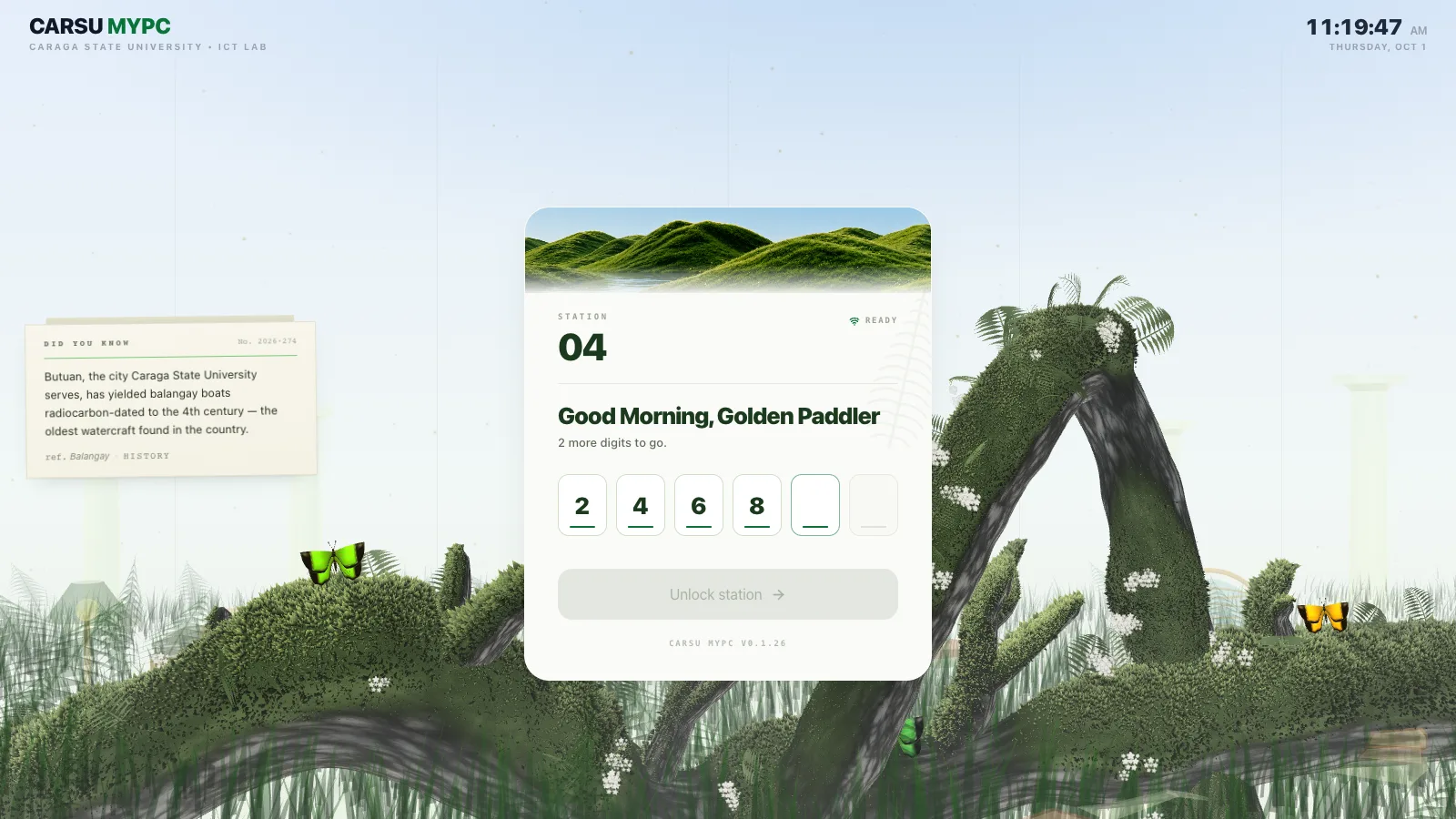
Your PC stays locked until you enter the code. Once it's accepted, your desktop opens.
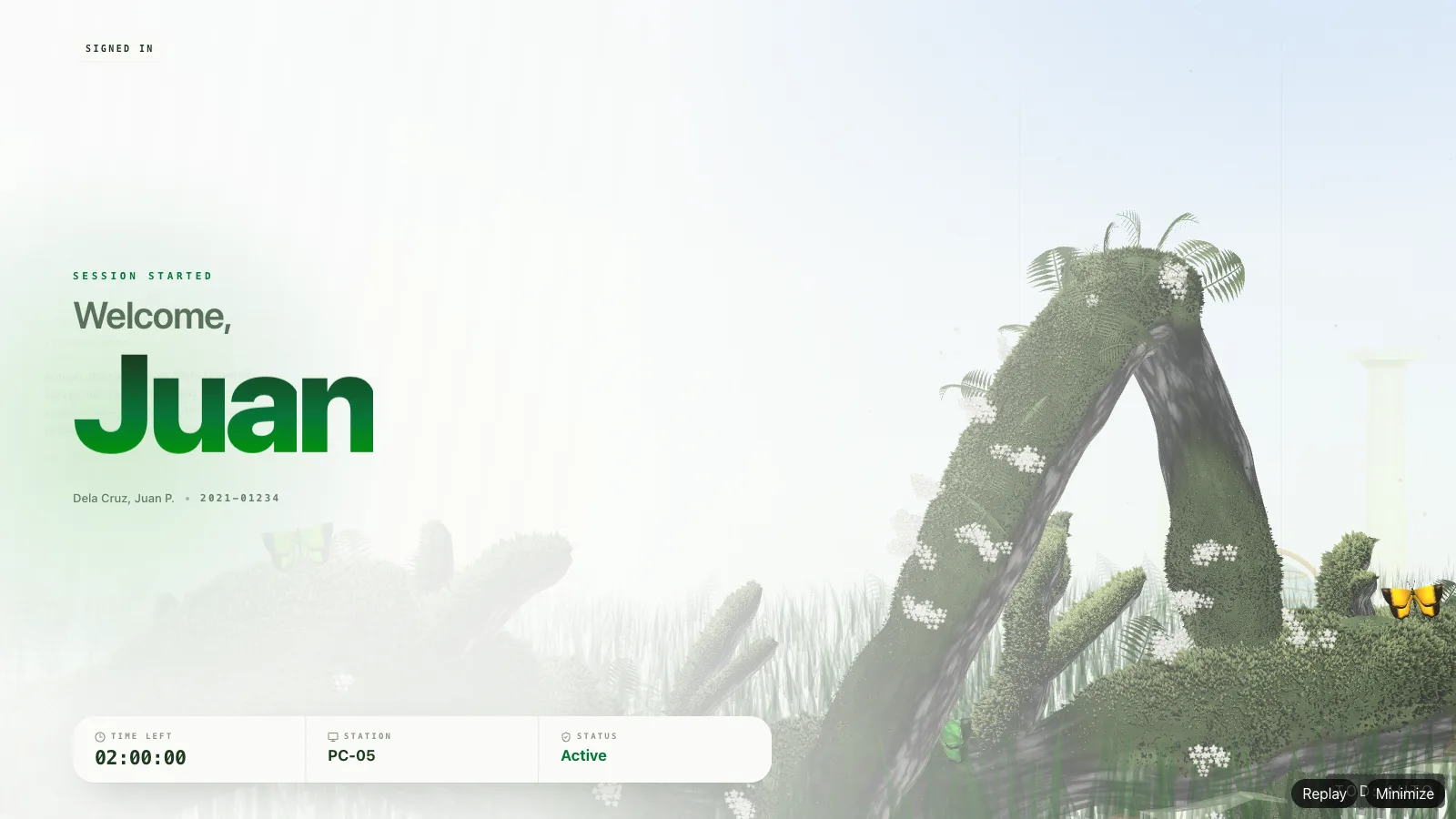
The PC greets you by name and shows how much time you have left. Then it moves out of the way so you can start studying.
My lab time opens on a story of your day at the lab, one card at a time with its own music: your time today, hour by hour, your PCs and your longest sitting.
Turn your lab time into a picture for your story, today or all-time, in six colours and five patterns, with or without your name, PCs and rank.
The lab's hours, a count of the PCs ready now, and every PC as its own character, the same one on the board, the student page and every wrap.
This month's top PC users stay on the availability page while the lab is off, overnight and on closed days.
A locked PC no longer shows as in use, and a session left open by a lost network ends at the last moment the PC was heard from.
The button appears as soon as staff turn the student page on, even mid-session, and a failed code no longer makes you wait.
Switching between the grove and the library no longer crashes a PC, and every PC keeps the background the Manager chose.
Staff see how many students open their wrap: today, the last 7 and 30 days, and phones signed in now.
Seven looks to choose from
3 shipped

On every lab PC

At the lab door
The one that decides
Live workstation status
Inside the lab
workstations
Client PCs
one Client per PC or NComputing seat
at the door
Kiosk
check-in and the live seat board
The server
the only record
CARSU Server
Rust · Axum · Tokio
Lab database
students and sessions
Settings database
how the lab is set up
6 steps
Ask for a seat
The kiosk sends the student's ID and the PC they picked. The server checks that the student exists, isn't banned, and has time left, and that the PC is free.
Issue a one-time code
The server creates a six-digit code tied to that student and that PC. It works once and expires in five minutes.
Unlock the PC
The student types the code on the PC. The server checks it against that machine, marks it used, and starts a session that ends when the student's time does.
Tell the room
The new state goes out over WebSocket. The kiosk's seat board and the public availability page both update without a refresh.
Stay in touch
The PC reports that it's alive and which app is in front. If the connection drops, its clock pauses, and the server adds that time back when it reconnects.
Lock when time is up
Every 10 seconds the server looks for finished sessions. When it finds one, it locks that PC, records the minutes used, and frees the seat.
Work the server does on its own
Session expiry
every 10 s · locks PCs whose time is up
Room statistics
every 10 s · occupancy for the seat board
Scheduled blasts
every 5 s · runs due schedules, skips late ones
LAN discovery
UDP 41234 · helps paired devices find the server
Outage repair
at startup · closes sessions cut off by a power loss
Background and notices
on change · pushed to connected PCs at once
What it keeps in SQLite
Students
Directory, weekly quota, validation, bans
Sessions
Start, end, paused time, and why it ended
Clients
Each PC's state, heartbeat, and hardware
Endorsed machines
Approved devices and their signing keys
Access tokens
One-time codes for an assigned student
Reservations
Booked seats and attendance
Tamper events
Unexpected disconnects for staff review
Scheduled blasts
Schedules and their last 100 runs
Greeting clips
Pre-made welcome audio, per first name
Browser approvals
Approved browsers, sessions, and audit log
Each PC is approved once and gets its own signing key. The server ignores status and refuses commands from any machine it hasn't approved.
Device keysSensitive actions need an admin credential that the server checks itself. A button on a screen isn't enough on its own.
Checked on the serverEach PC encrypts its recovery data with the server's public key. Only the server's private key can open it.
Public-key sealed